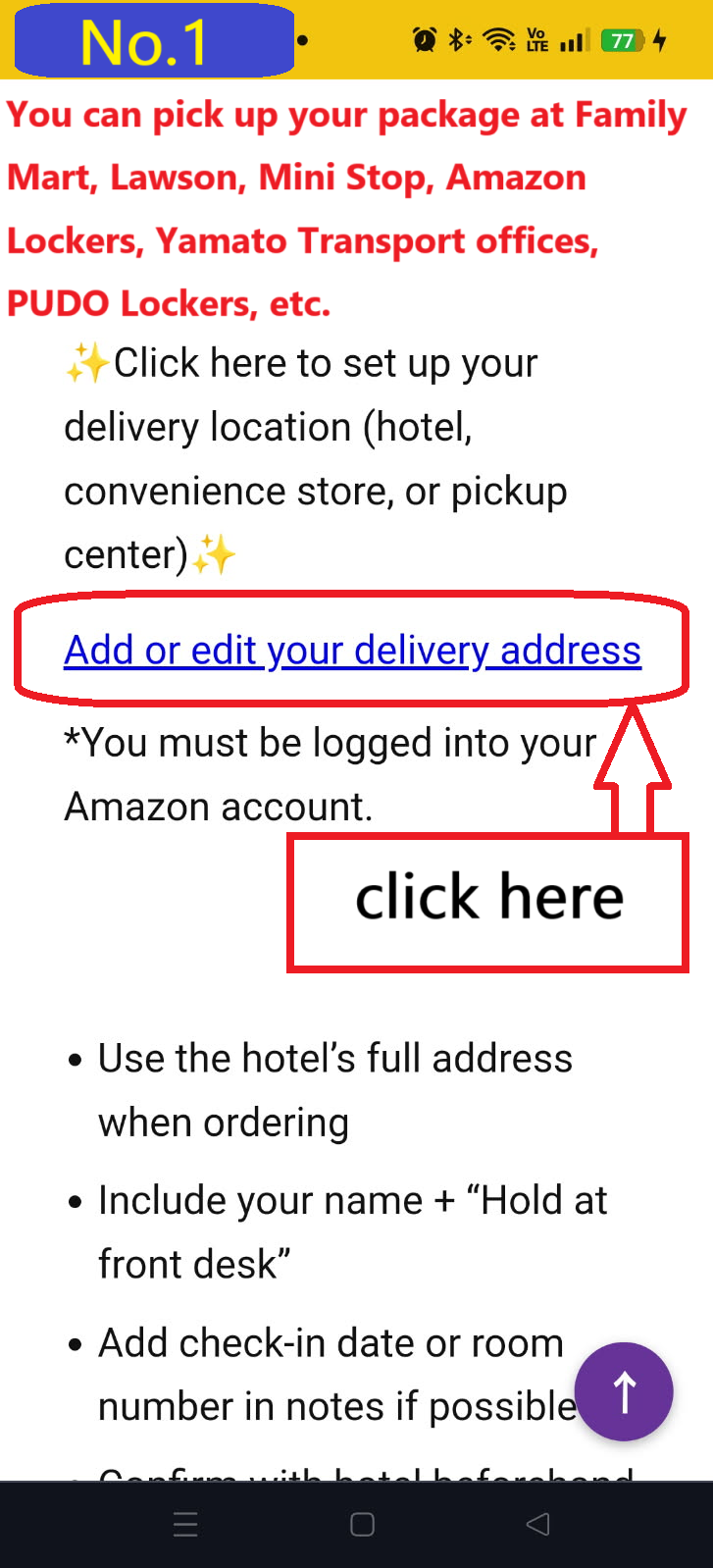
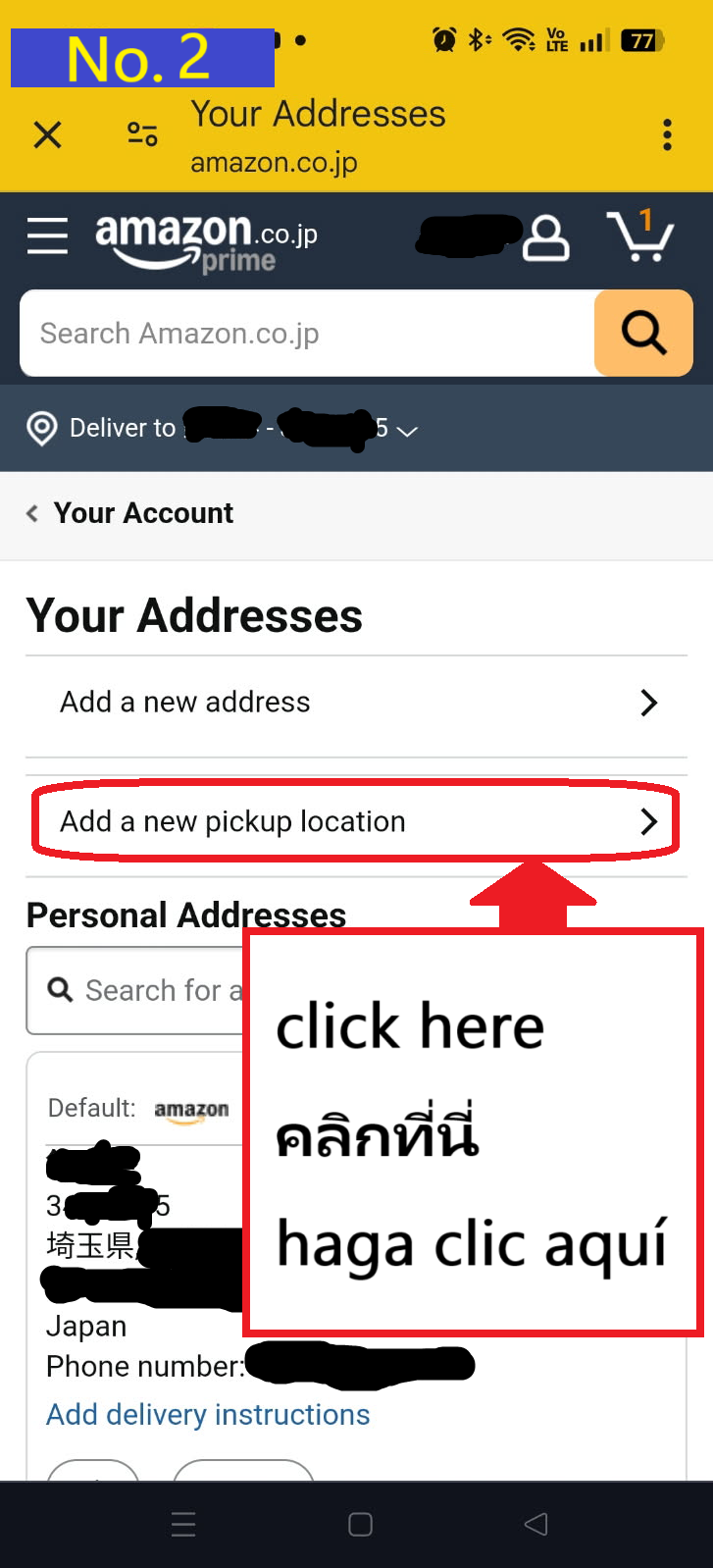
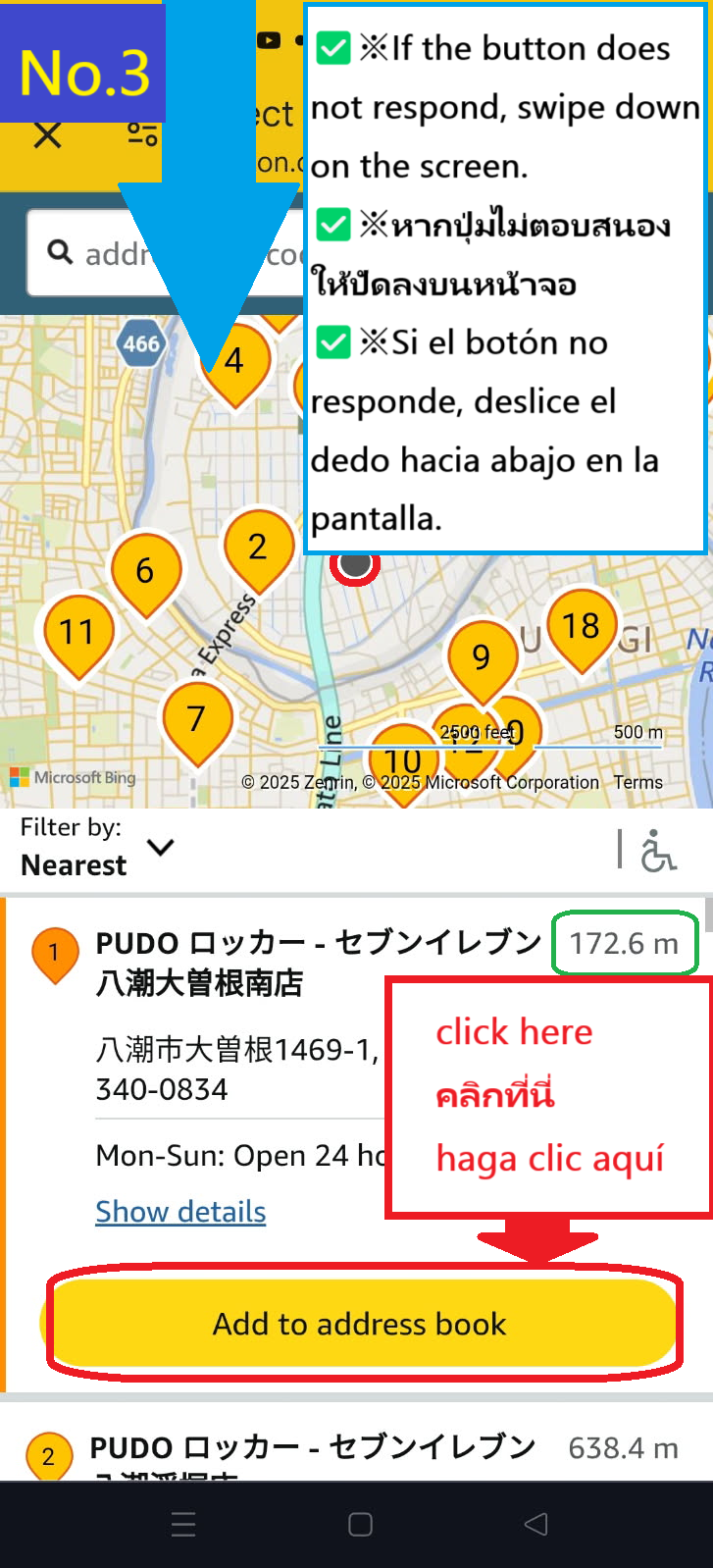
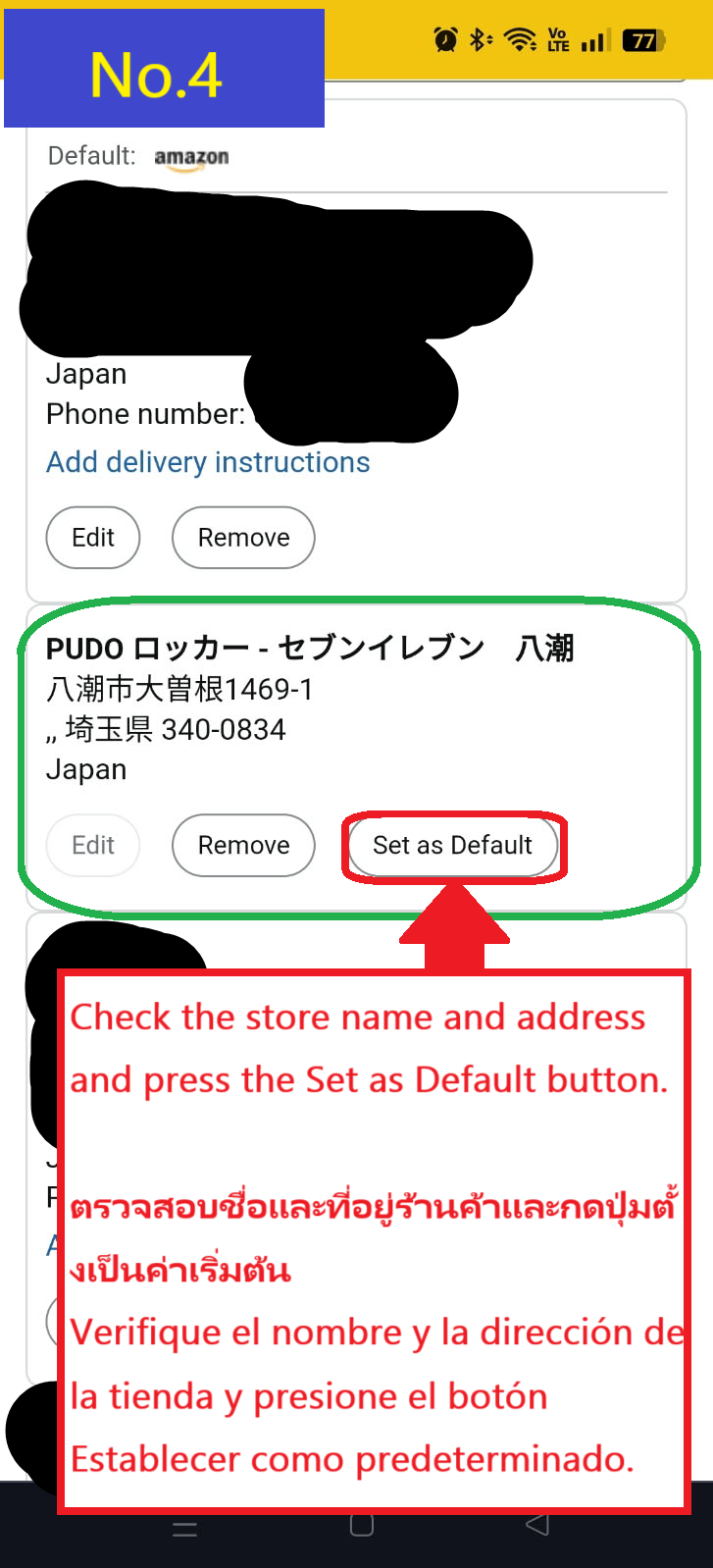
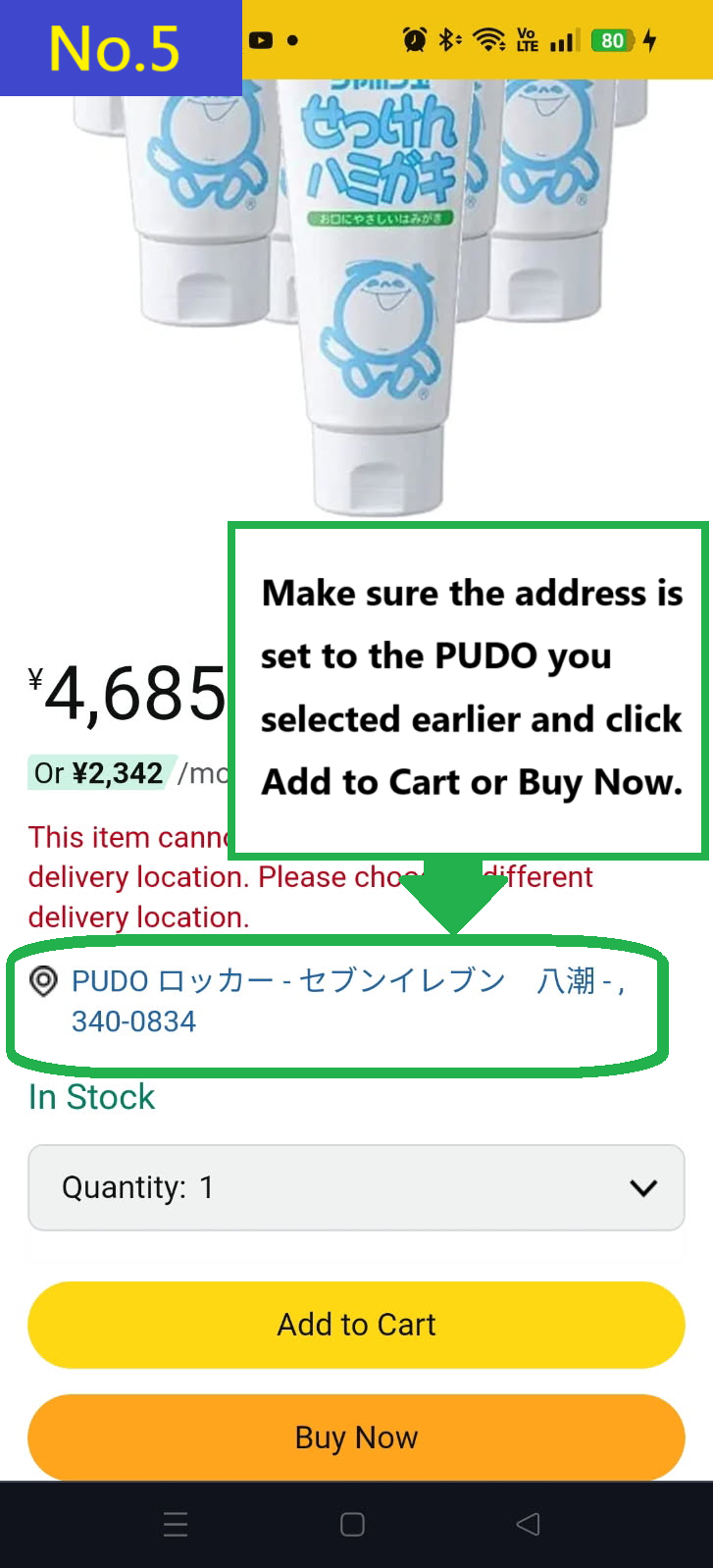
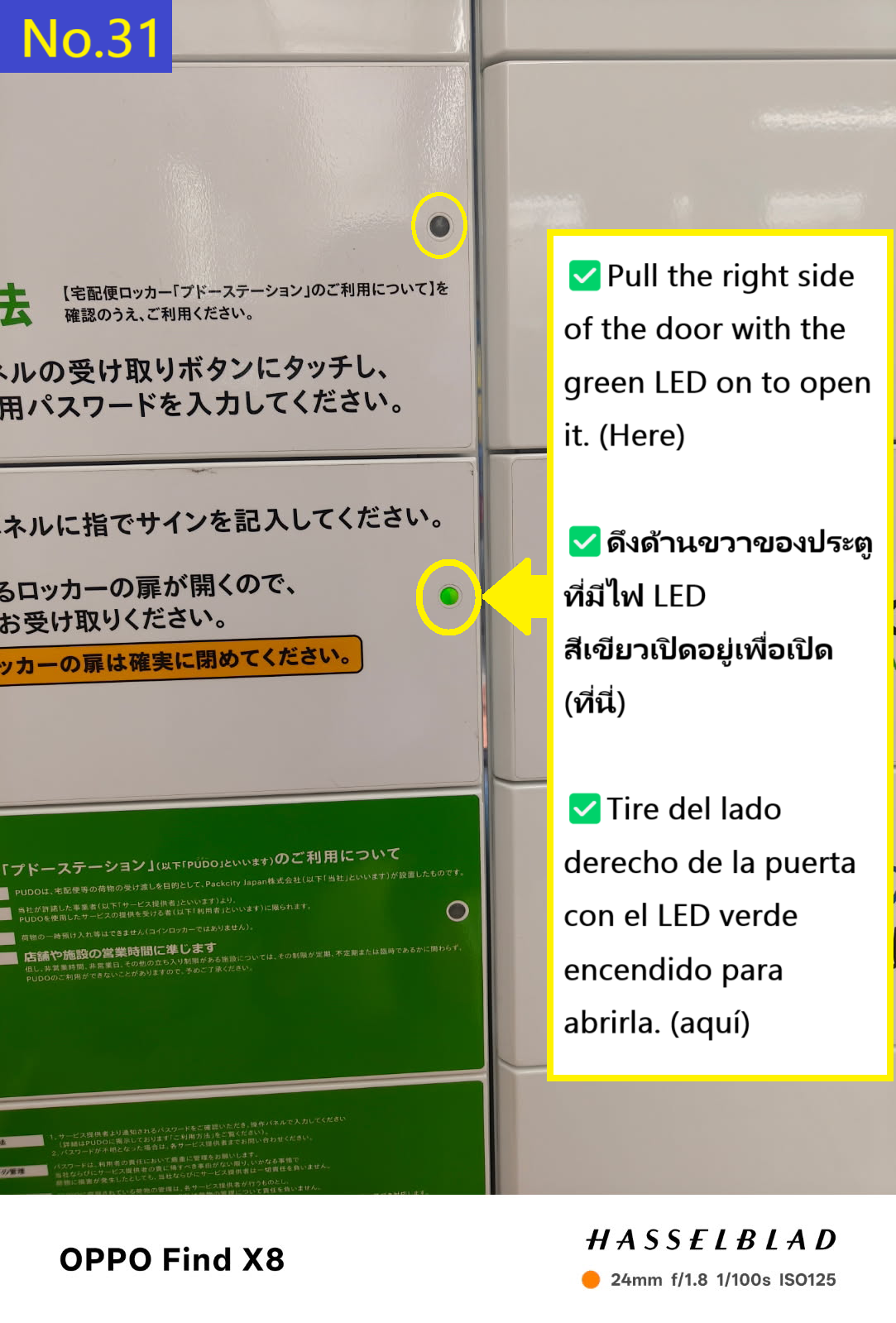
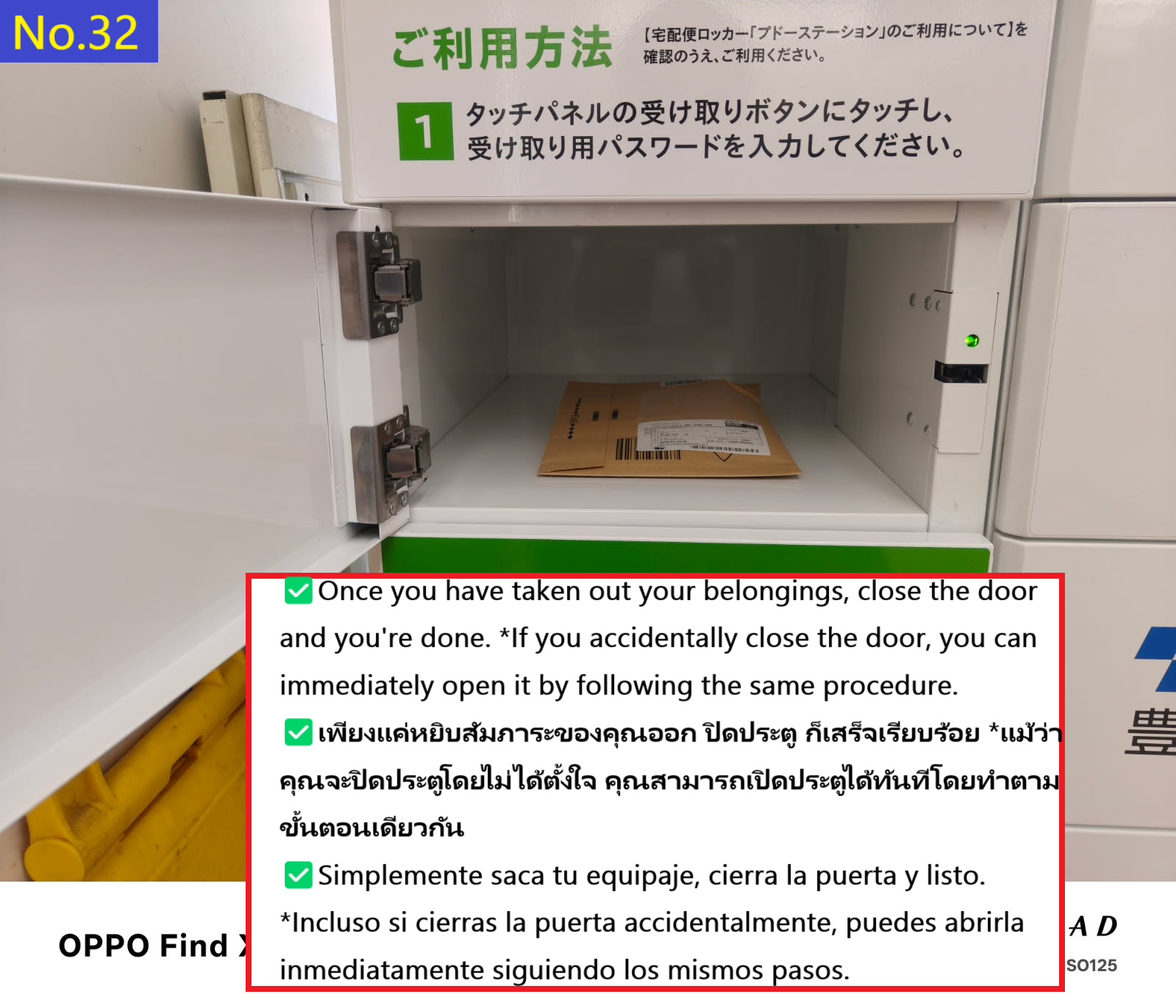
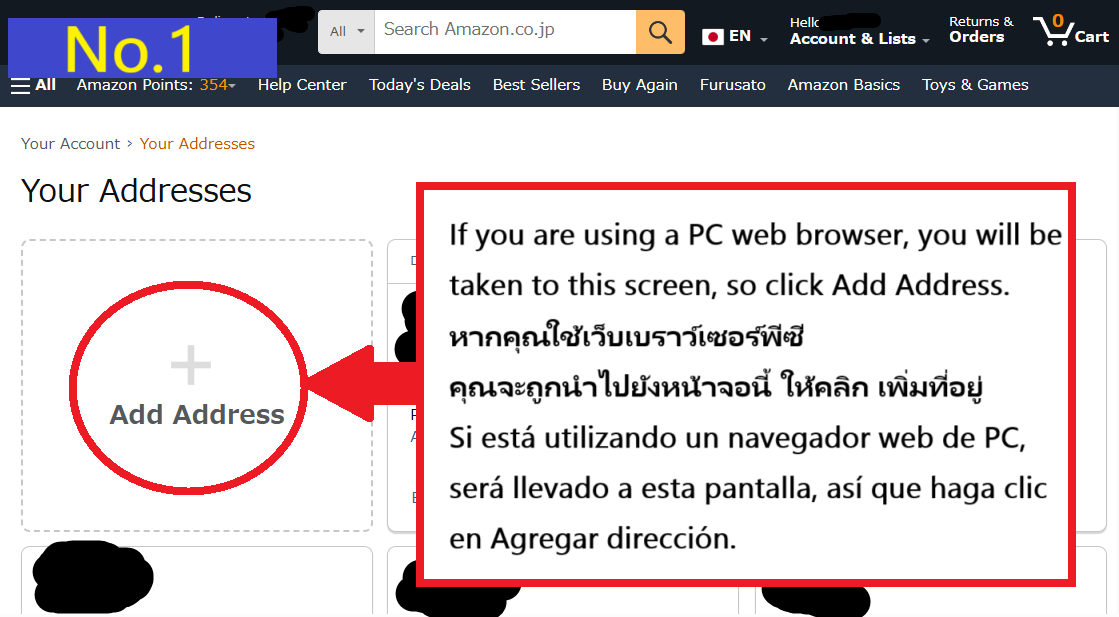
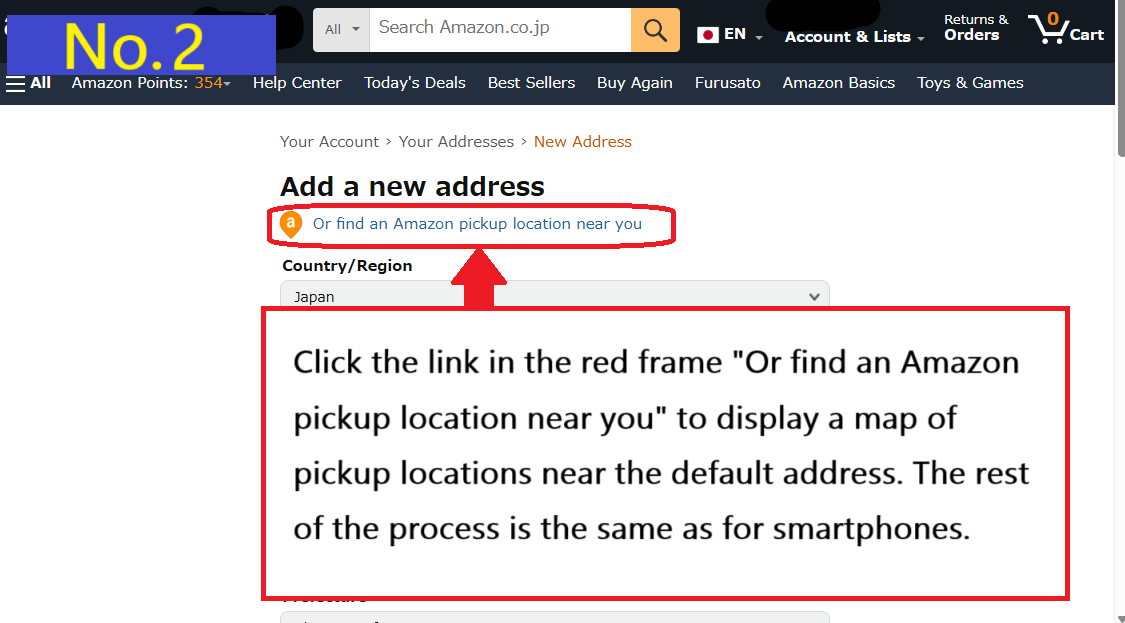
Click the Set as Default button to confirm the PUDO locker address you selected earlier.
Search for the product you want on Amazon,
and if the points you confirmed earlier are displayed above the cart or the Buy It Now button,
then you're good to go.
Click the Add to Cart button to proceed.
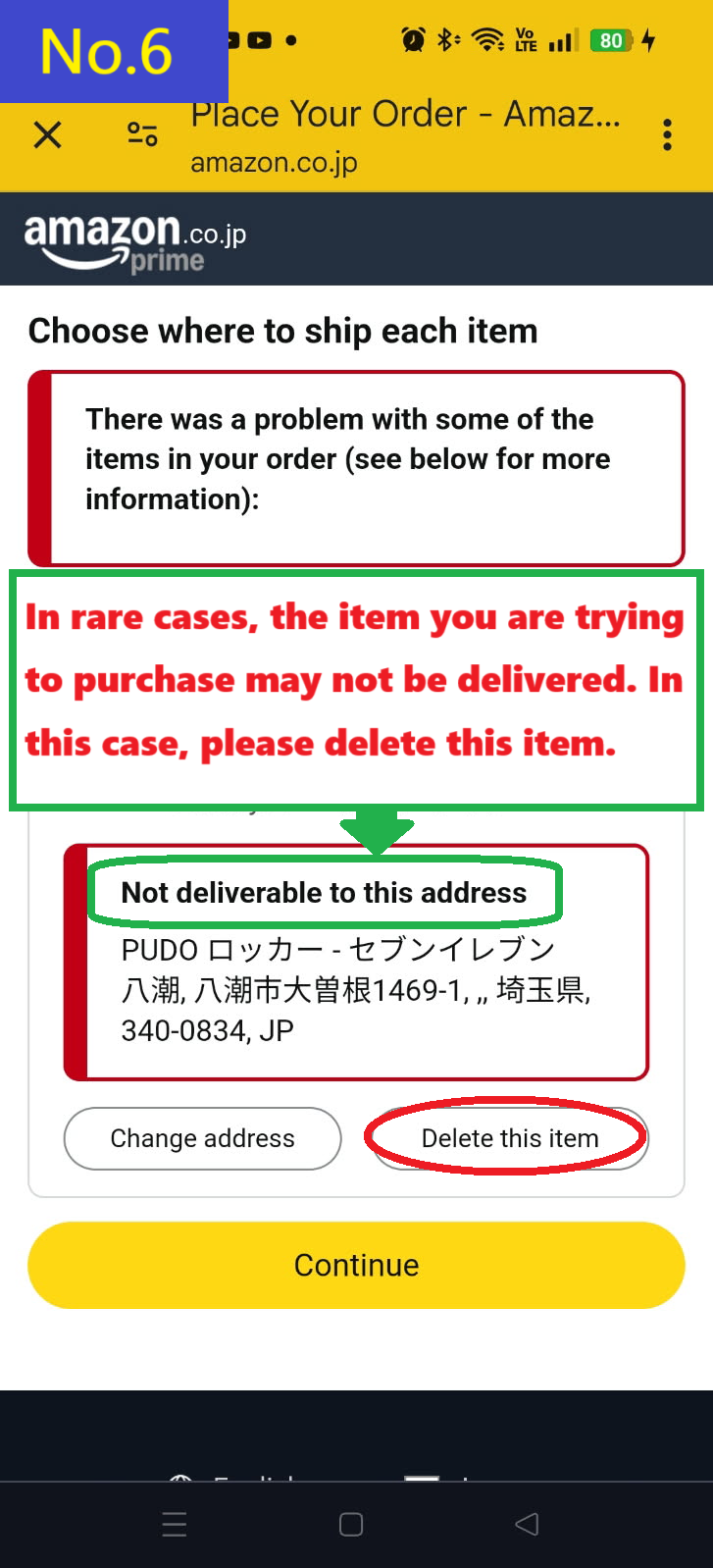
The 10 packs of toothpaste I was trying to order are too large to be picked up at a PUDO locker.
Large packages like this need to be set up to be picked up at a different pickup location.
Click the Delete item button to delete the item.
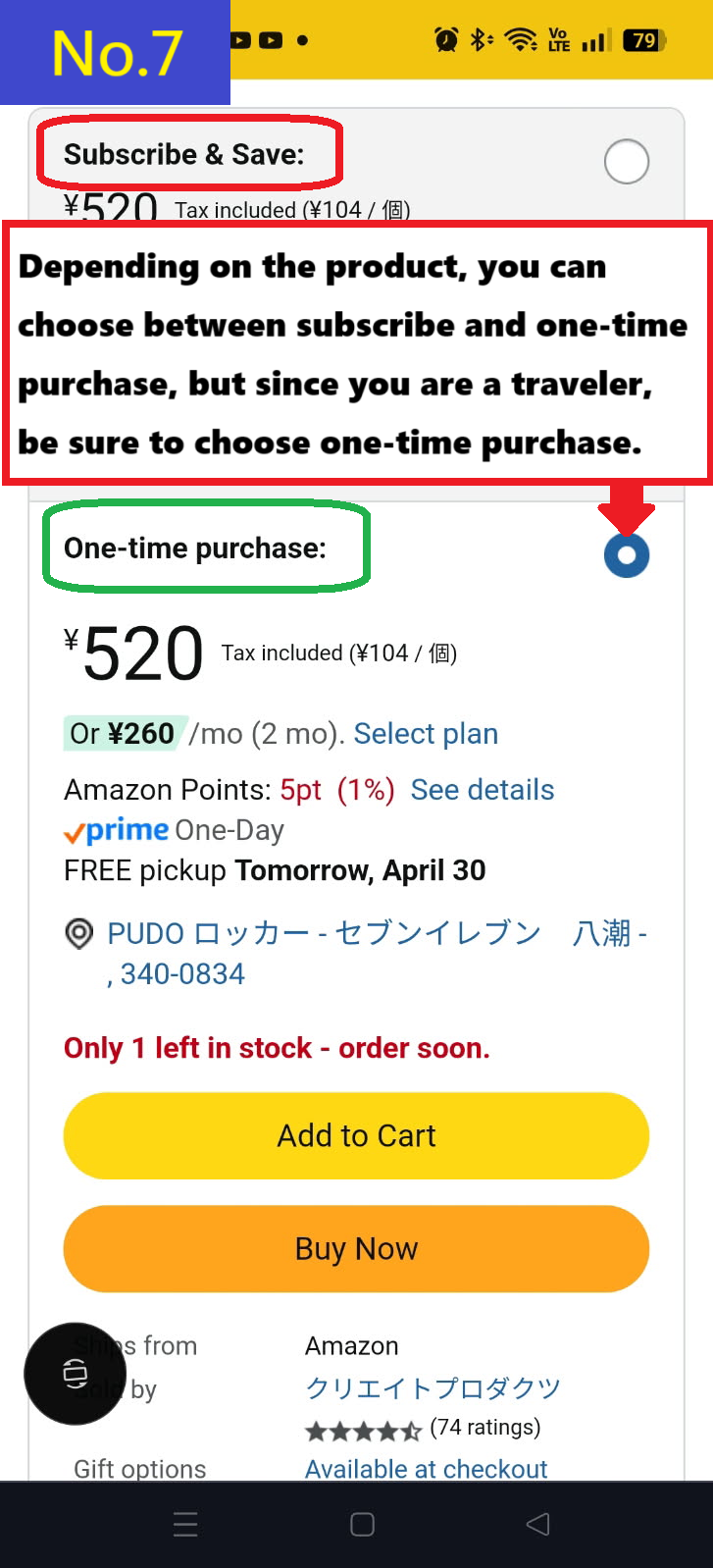
When you search for a product you want, there may be a box where you can choose between Subscribe and One-time purchase.
Travelers should always select One-time purchase.
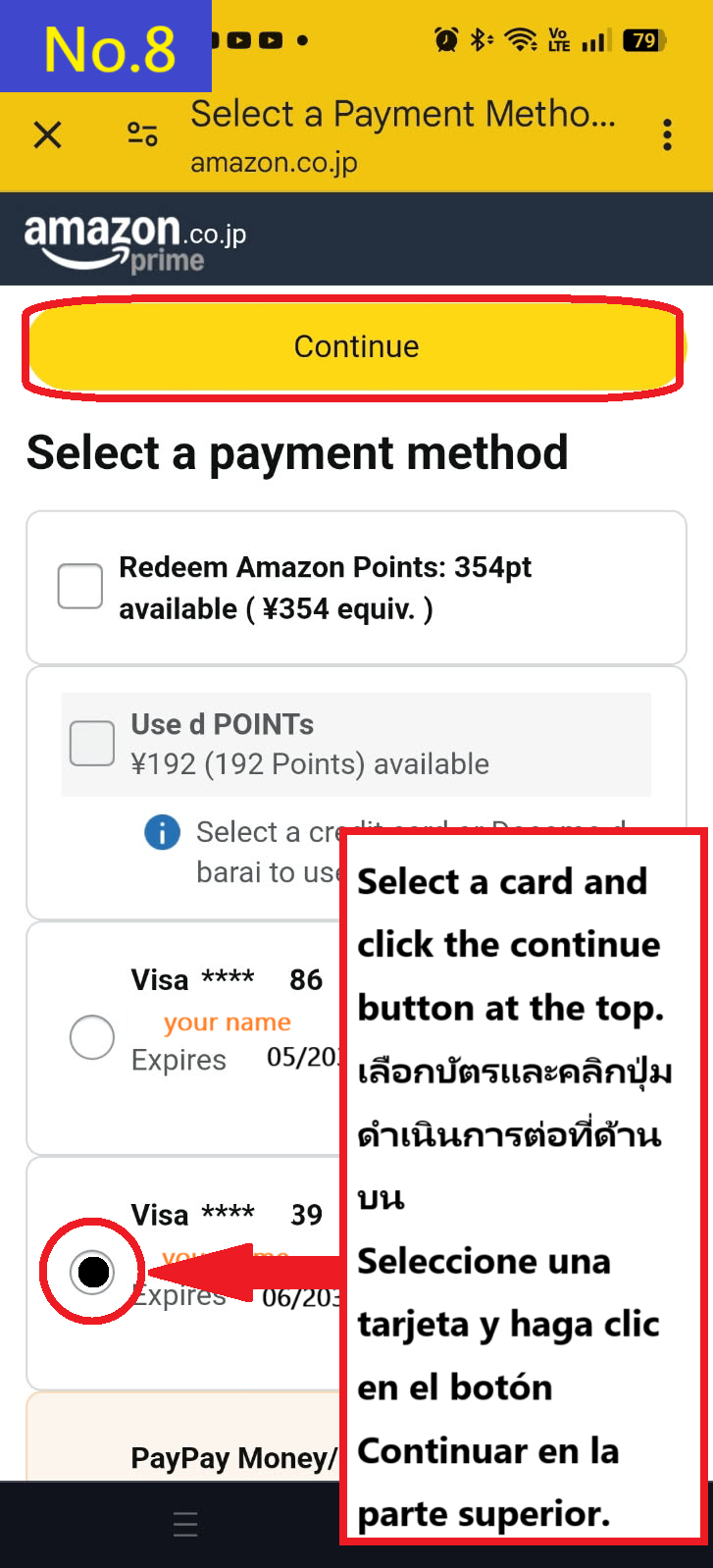
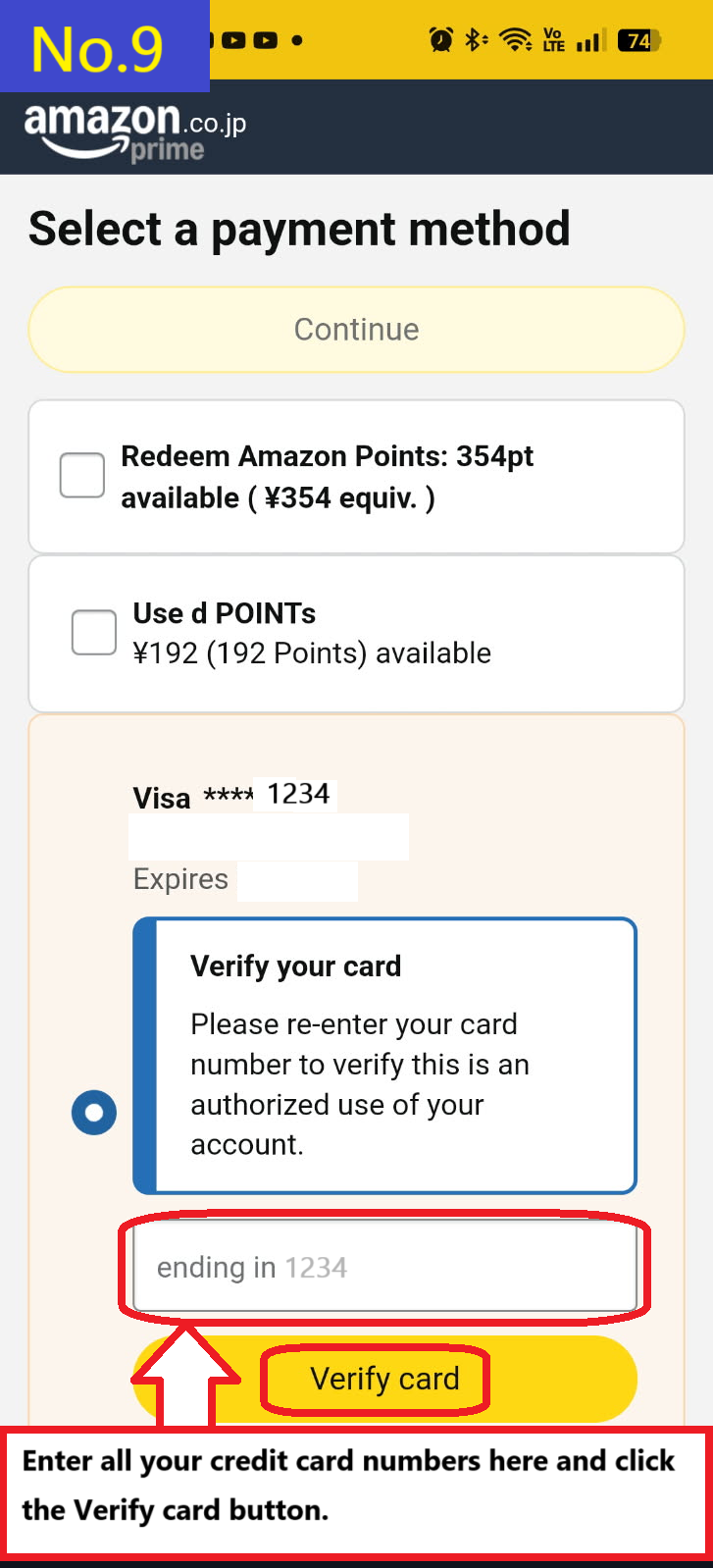
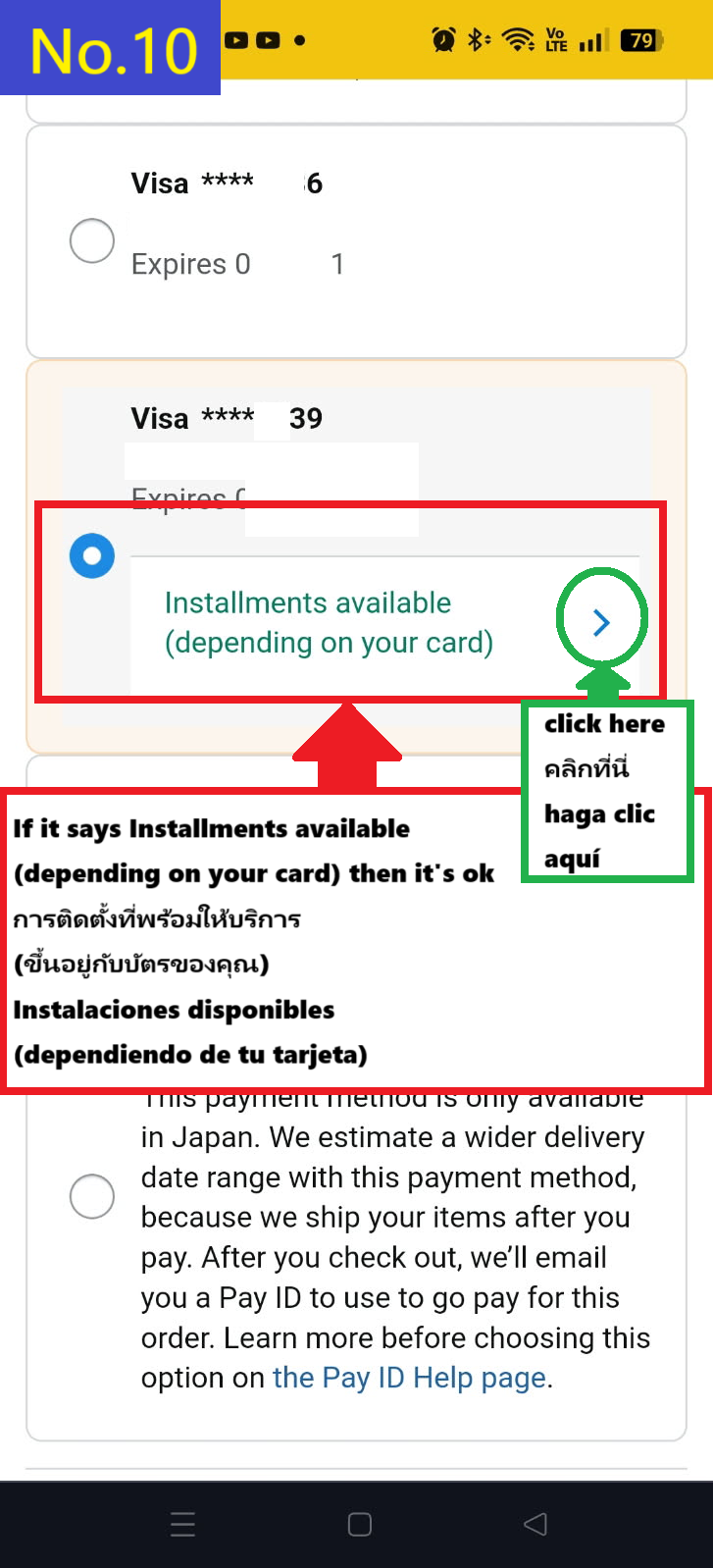
First, let's say you want to choose a credit card to buy.
Click the check box to select the card and then click the continue button.
If you are asked to confirm your card number,
enter it as instructed and click the Verify card button to proceed.
If approved, proceed to the next step.
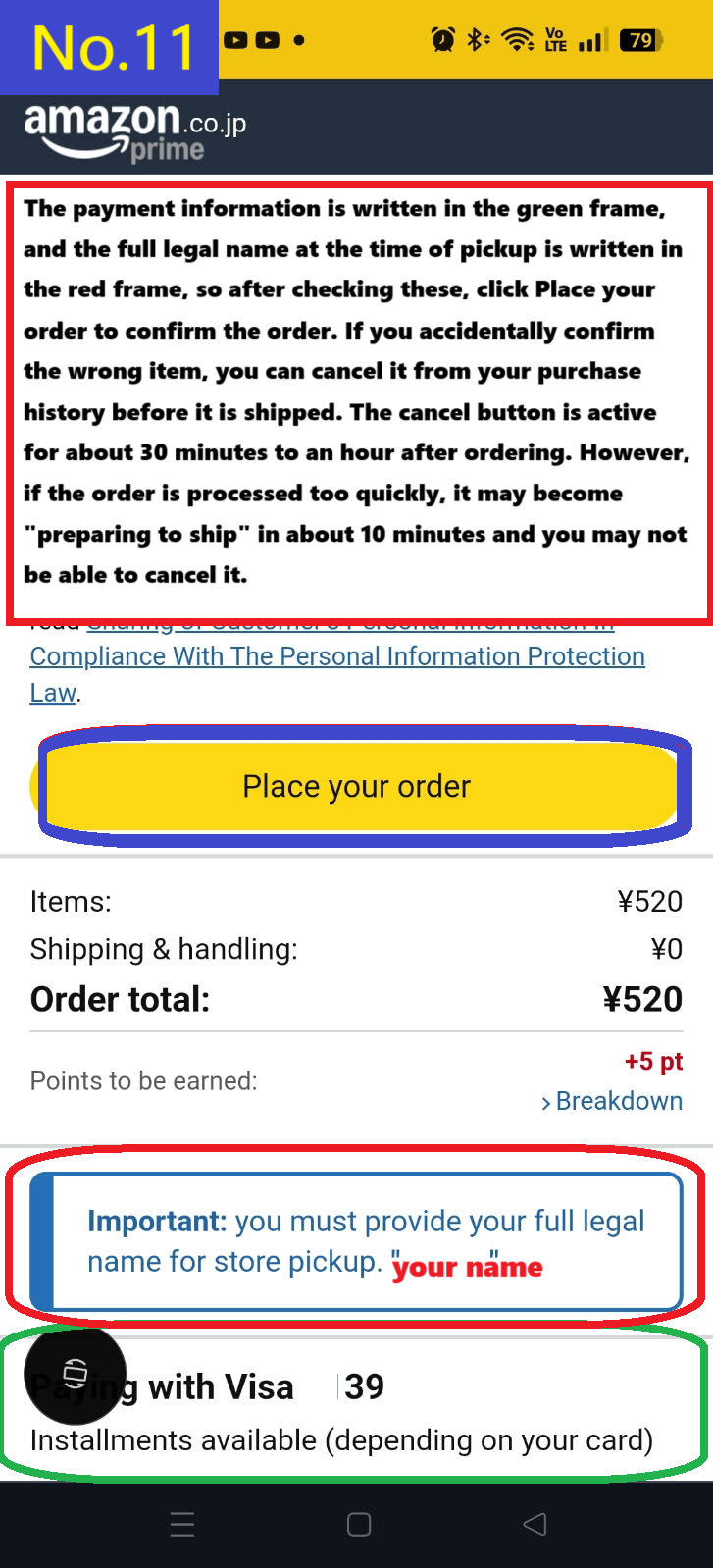
In the red box, you will enter the name you will give when picking up your order.
Below that, you will see your credit card information.
If the information is correct, click the Place your order button to confirm your order.
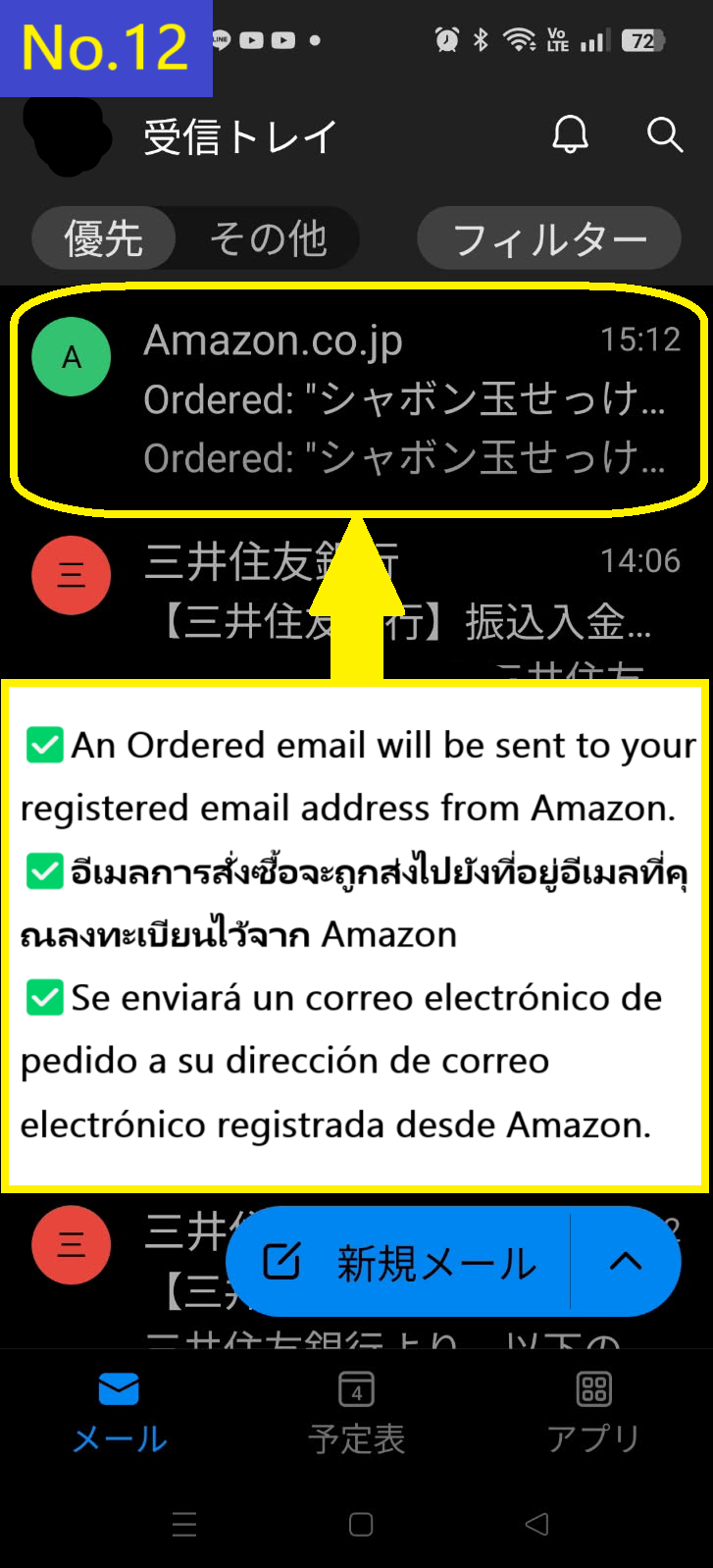
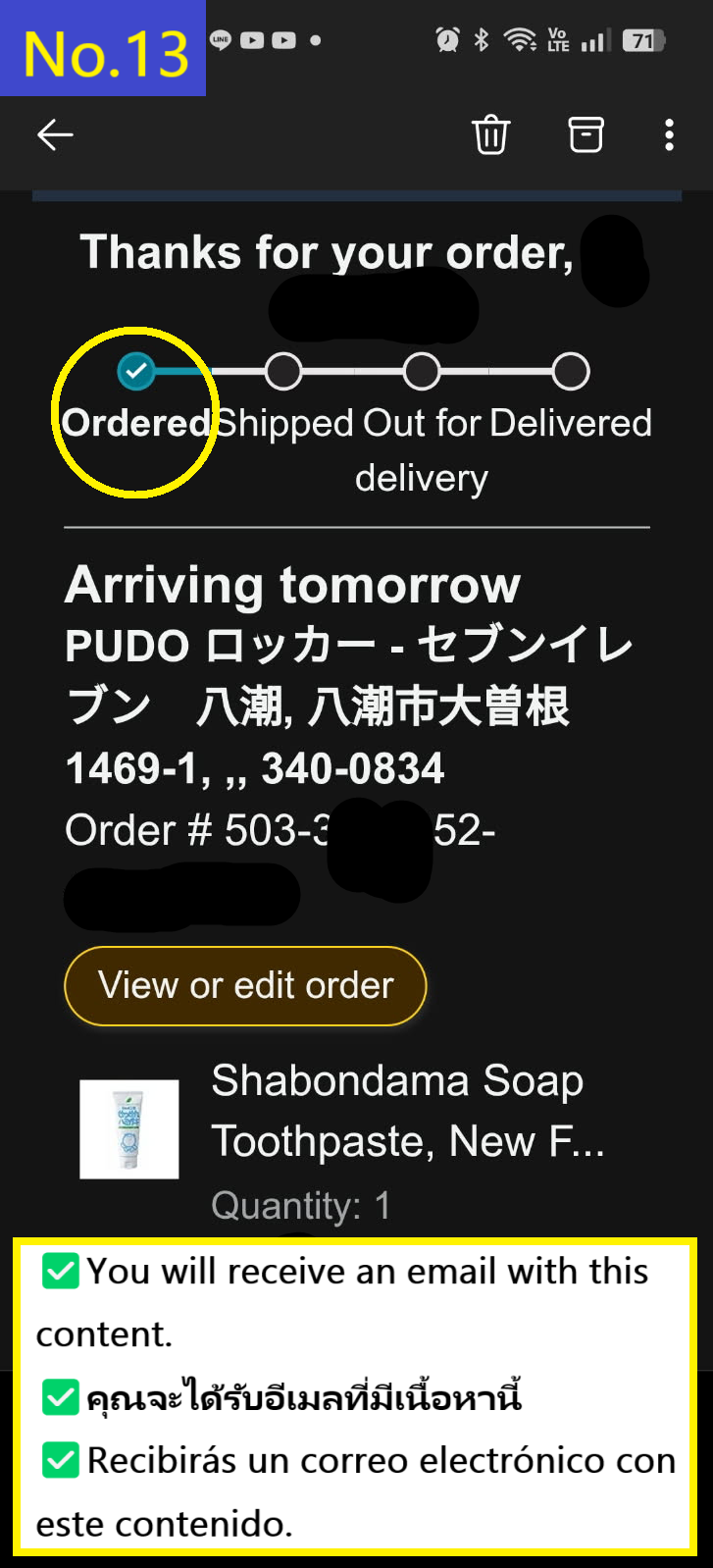
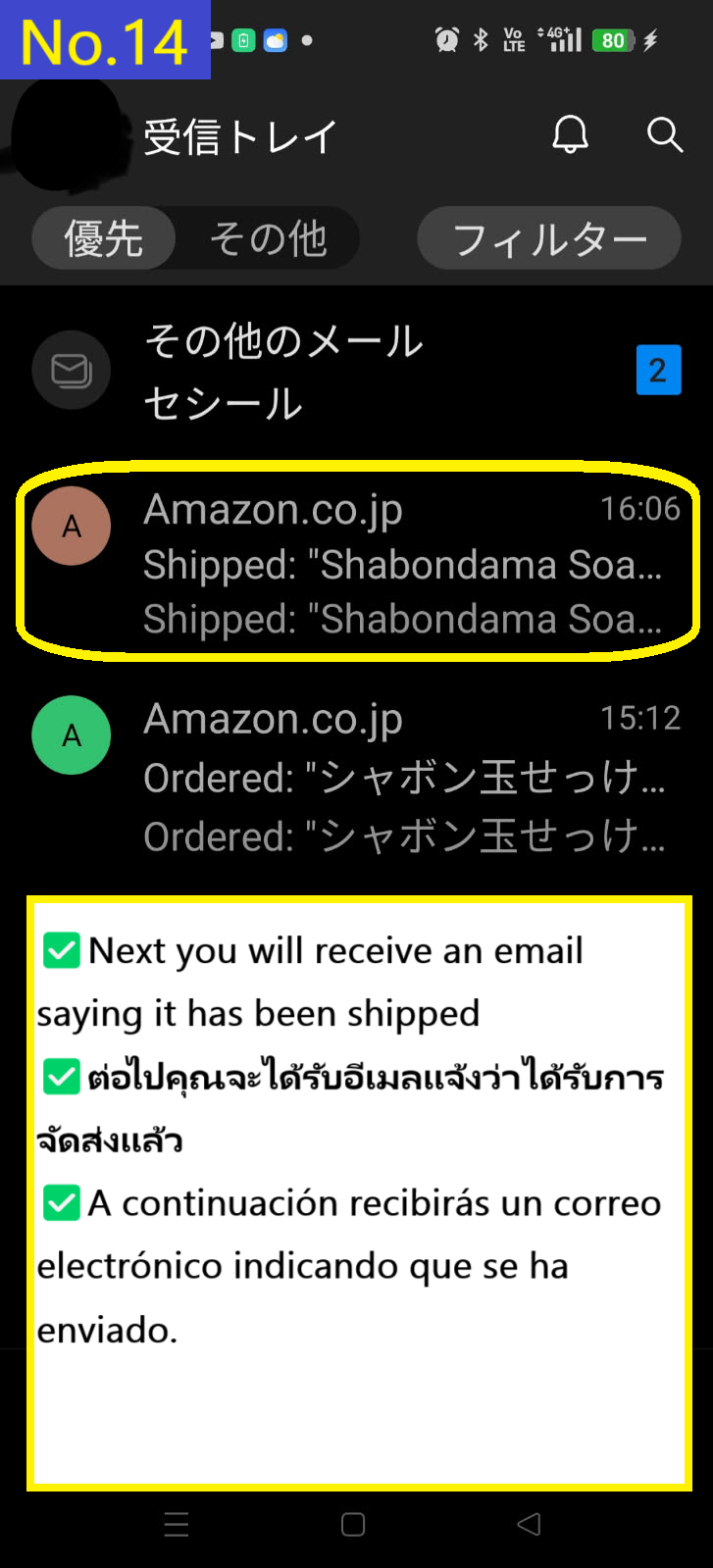
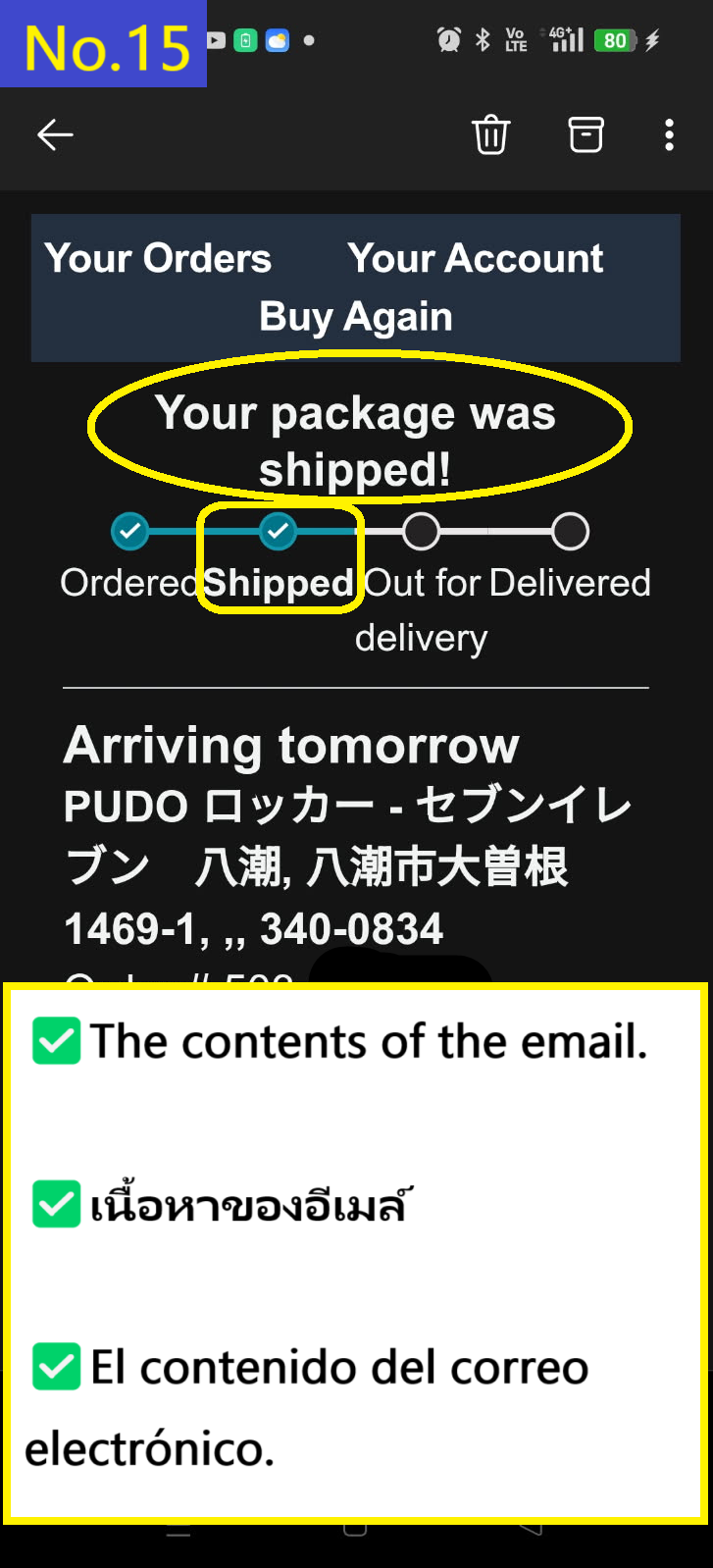
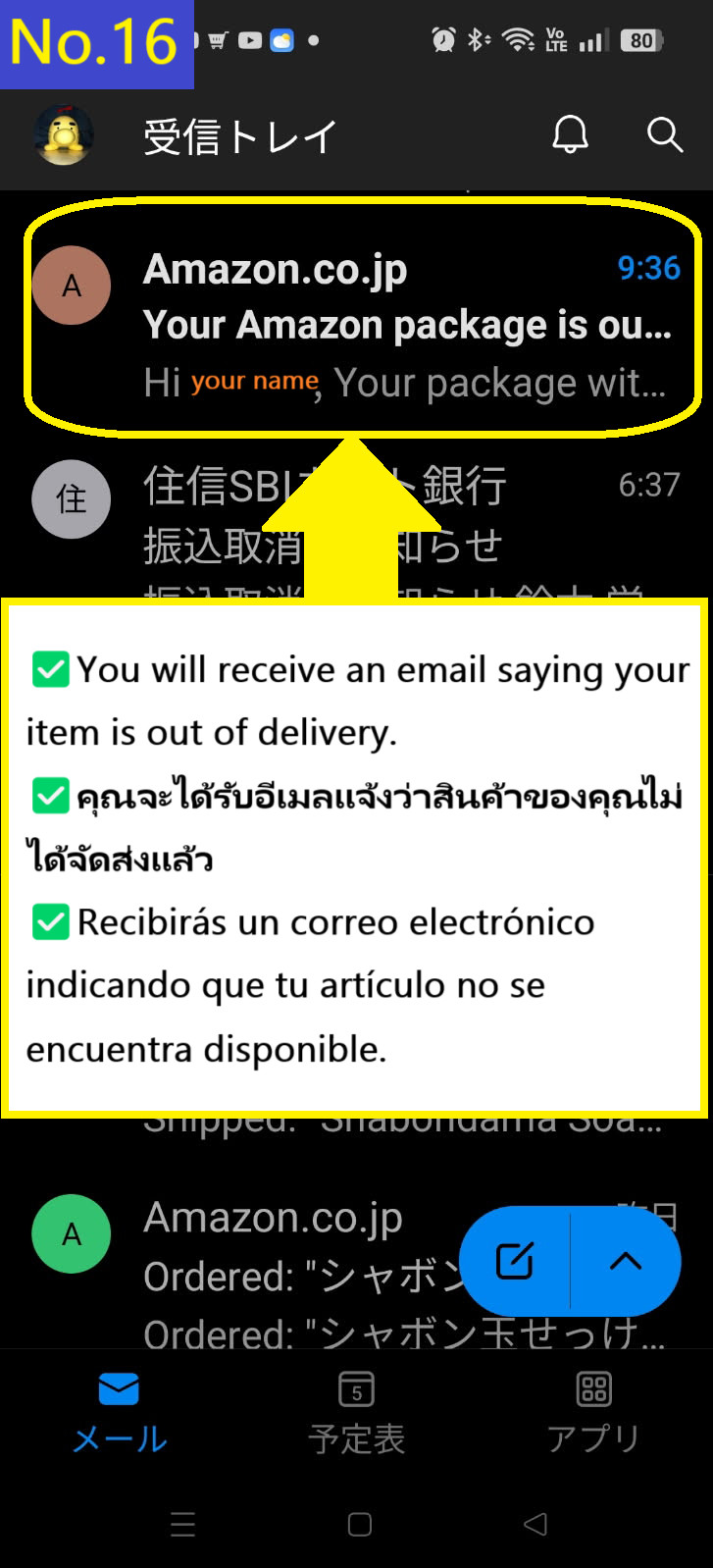
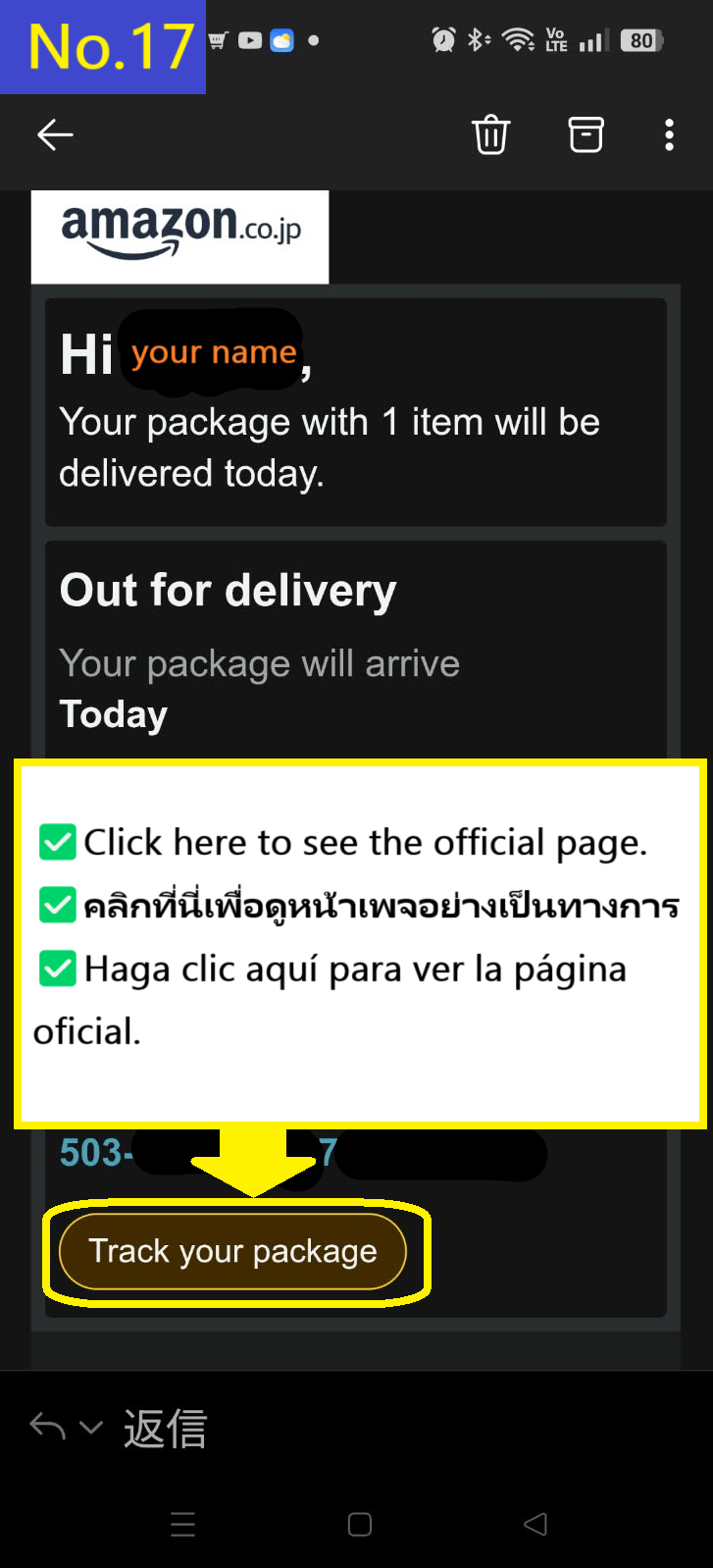
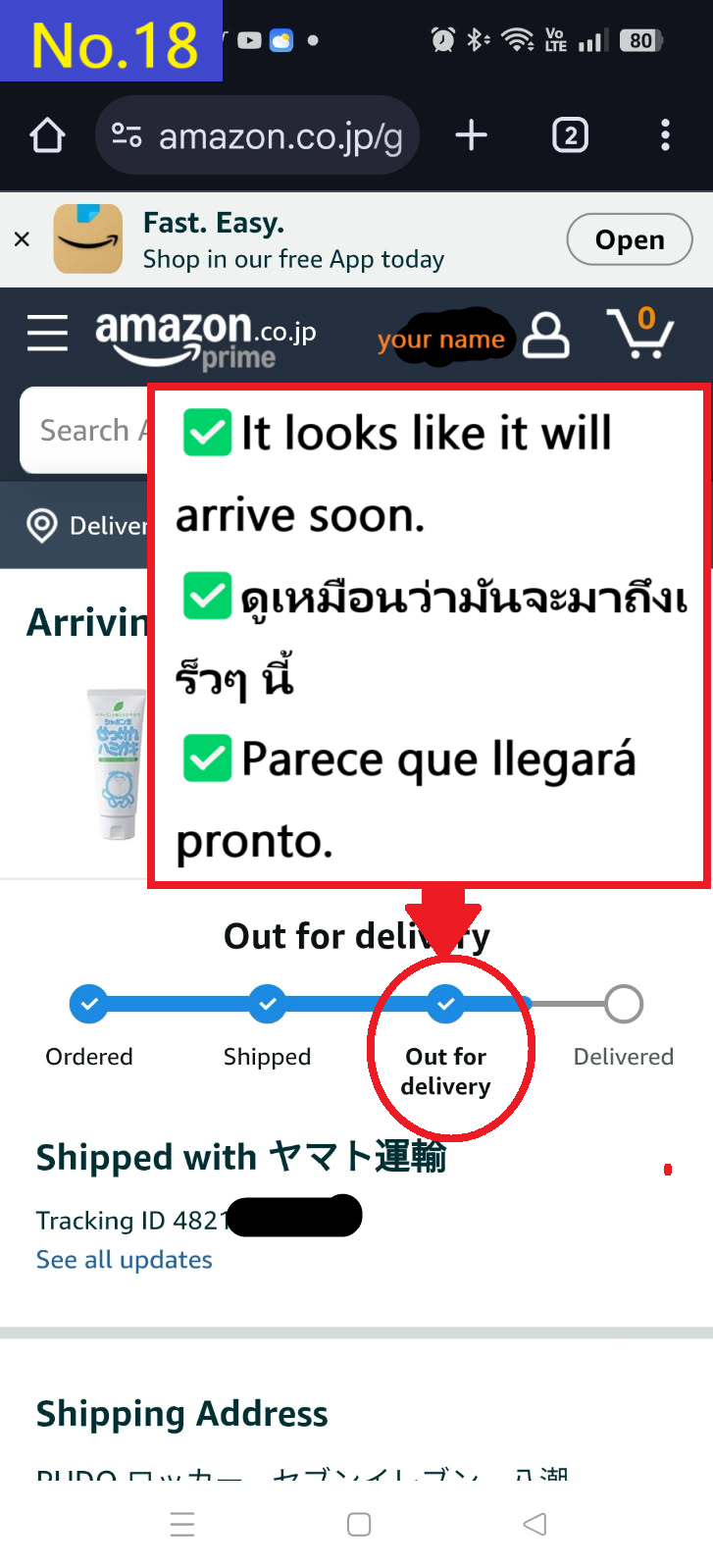
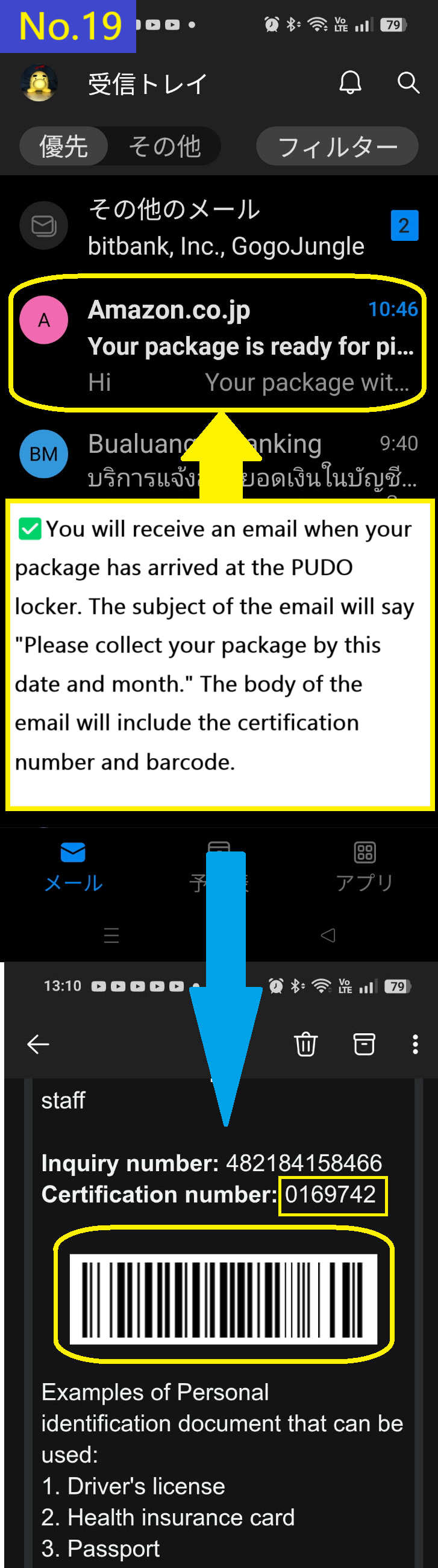
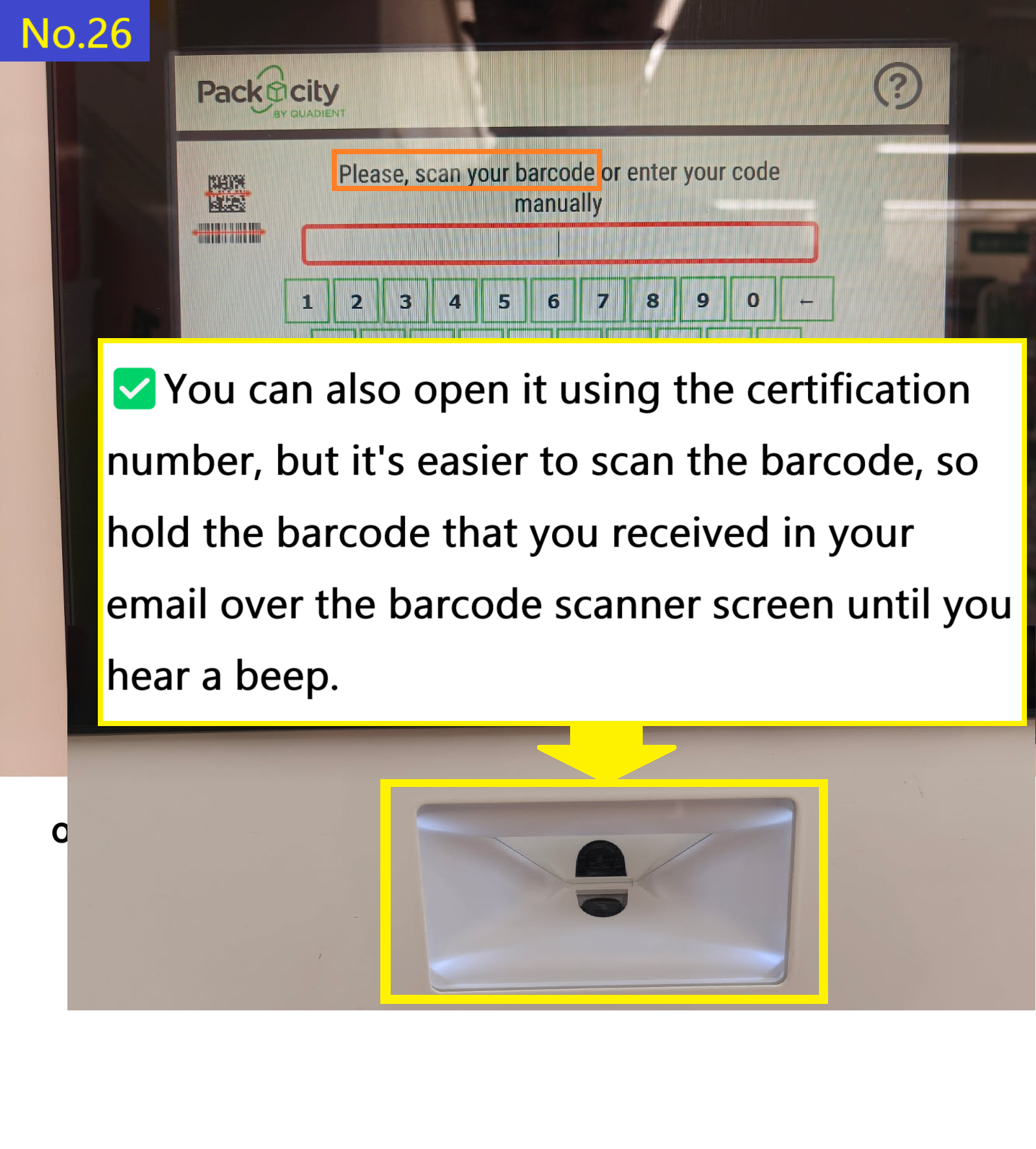
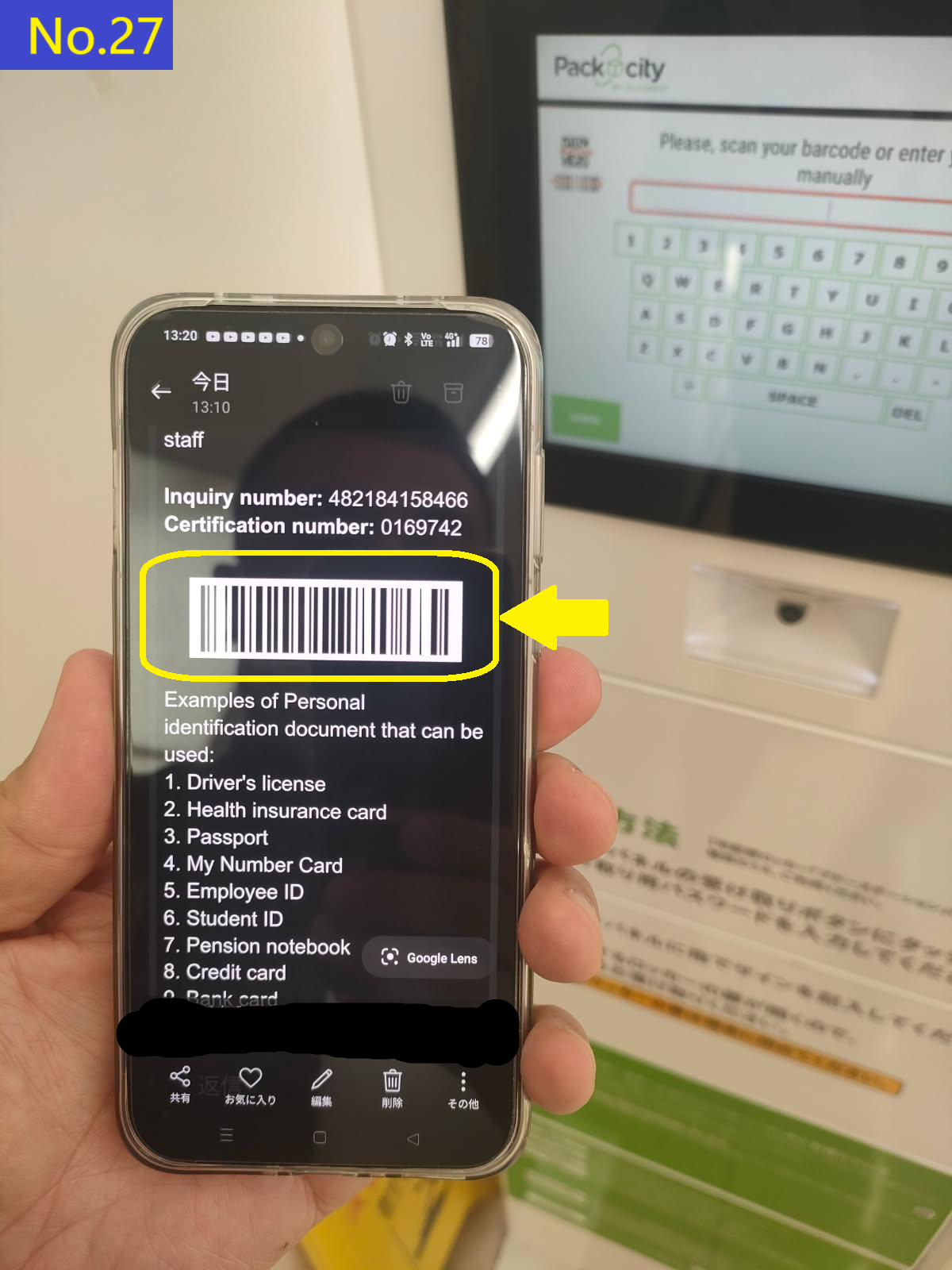
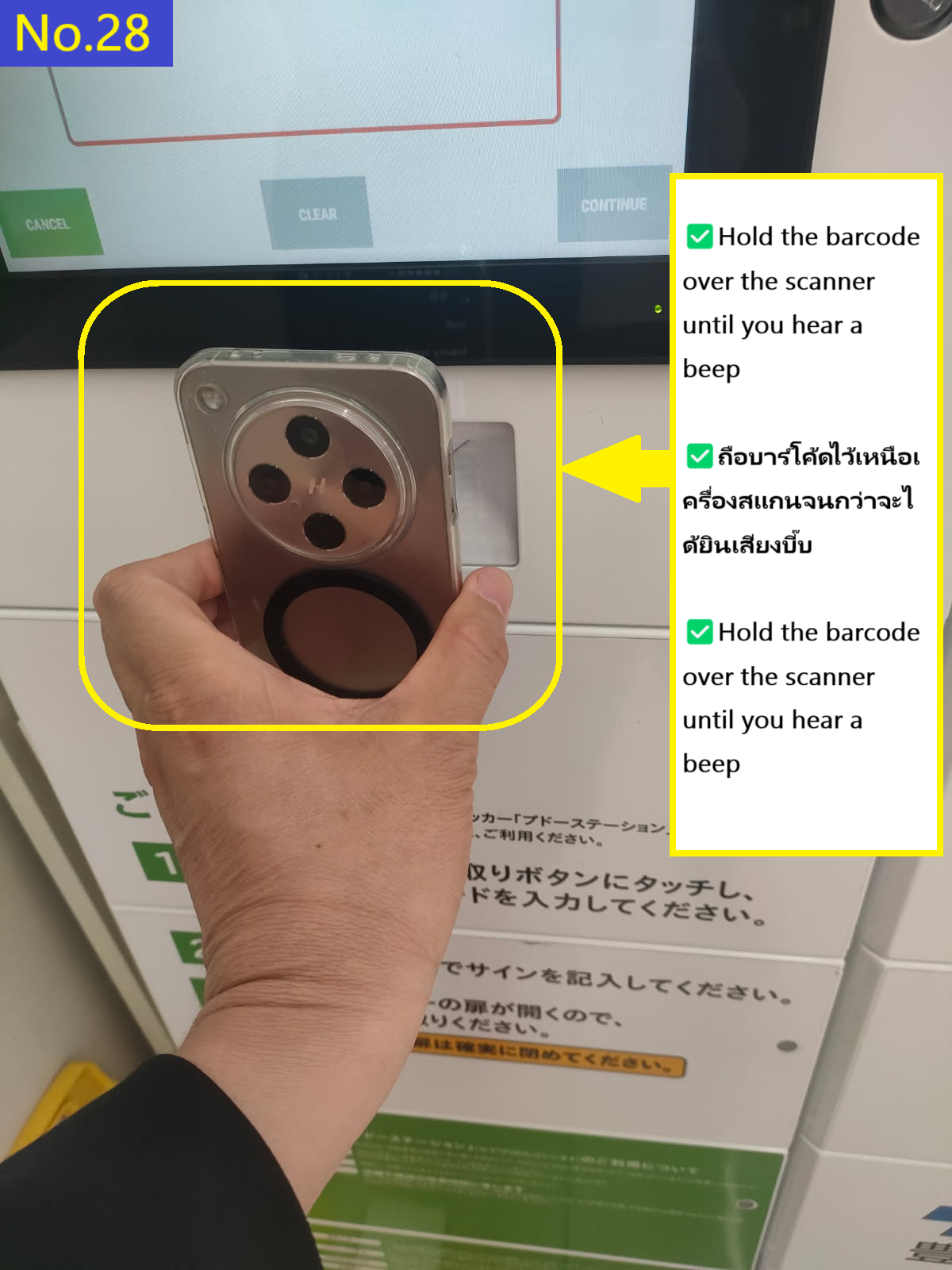
If your package is approved, you will proceed to the next step. As I mentioned in advance, you will receive a fourth email containing a barcode and other numbers for collection information. After the order confirmation email, an email saying "Shipped," an email saying "out for delivery," and a fourth email saying "Your package is ready for pickup from," you will receive an email containing the barcode or barcode link to use for collection, as well as numerical values for the information required for collection.【Step12~Step19】